The usual funeral programme size is A5, which is an A4 sheet folded in half. Once the words and photos are ready, the programme has to be printed, and a few decisions affect the cost and the look: the size, the number of pages, the paper, and how many copies. This guide explains each one in plain terms, with worked examples and a message you can send to a printer, so that you can speak to them with confidence.
Funeral programme size: the usual sizes
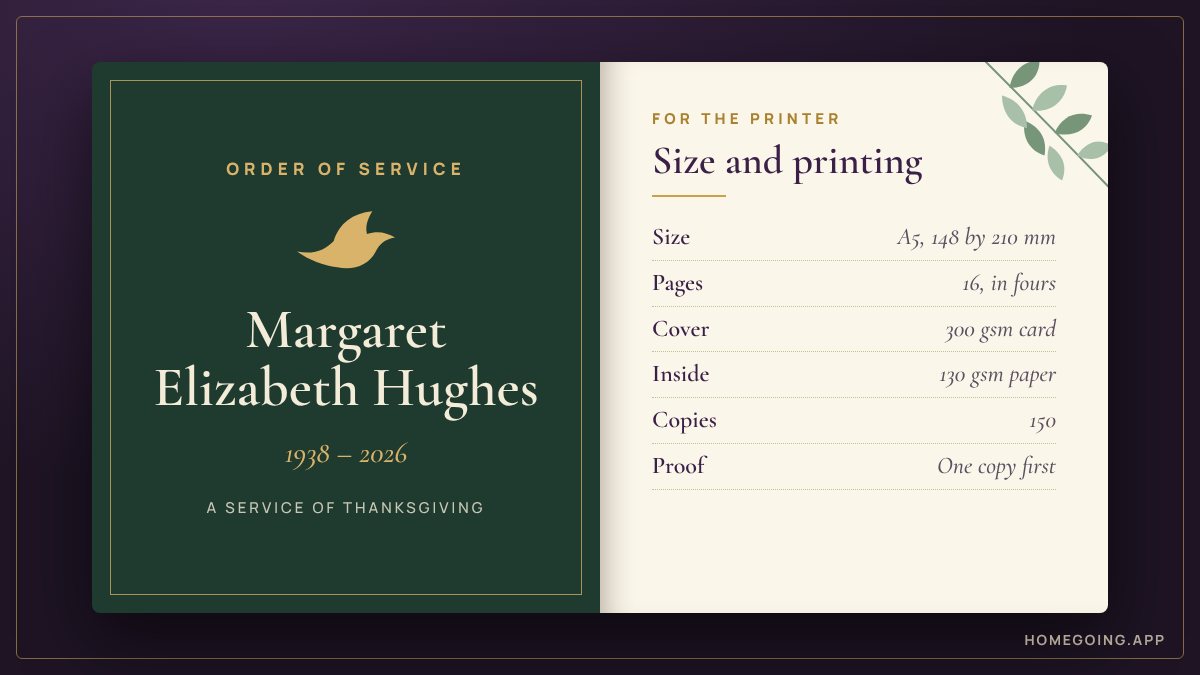
- A5 booklet. The most common size in Nigeria, Ghana, Kenya, South Africa and the UK. It is an A4 sheet folded in half, 148 by 210 mm. It is easy to hold and cheap to print.
- A4 booklet. Larger, made from A3 sheets folded in half. It is used for long programmes with many photos and tributes. It costs more.
- US half-letter. In the United States and Canada, the usual size is a letter sheet folded in half, 5.5 by 8.5 inches. A single folded sheet gives four pages.
- Single sheet or card. For a short service: one card printed on both sides, or one sheet folded once.
If you are not sure, choose A5. Every printer can produce it.
In the United States the booklet is called a funeral program. The steps for funeral program printing are the same as the ones in this guide.
Funeral booklet sizes side by side
- A5 page: 148 by 210 mm, about 5.8 by 8.3 inches. Made from an A4 sheet.
- A4 page: 210 by 297 mm, about 8.3 by 11.7 inches. Made from an A3 sheet.
- Half-letter page: 5.5 by 8.5 inches, about 140 by 216 mm. Made from a letter sheet, 8.5 by 11 inches.
- Letter page: 8.5 by 11 inches. Made from a sheet of 11 by 17 inches.
A5 and half-letter are close but not the same. If the file was made as A5 and you are printing in North America, ask the printer to print it at A5, or to fit it to the half-letter page.
Why pages come in fours
A booklet is made of sheets folded in half and stapled in the middle. Each sheet gives four pages. So a stapled booklet always has 4, 8, 12, 16, 20 pages and so on.
If your programme comes to 13 pages, the printer must make it 16. You can fill the extra pages with:
- More photos
- A favourite hymn, poem or Bible verse
- A page for notes or autographs
- The family's appreciation on a page of its own
Or you can cut it to 12 by shortening a section. Decide this before you send the file, or the printer will decide for you with blank pages.
A worked example: counting the pages
Write down each part and the pages it needs, then add them up.
Cover: 1 page
Order of service, with hymn words: 3 pages
Life story: 2 pages
Tributes: 4 pages
Photographs: 2 pages
Appreciation: 1 page
Back cover: 1 pageTotal: 14 pages
The nearest booklet sizes are 12 and 16.
To reach 16: add two pages of photographs.
To reach 12: shorten the tributes to 3 pages and the photographs to 1.
To find the number of sheets, divide the pages by four. A 16 page booklet is four sheets, folded together.
How many pages is normal
It depends on custom.
- 4 to 8 pages. Common in the UK, the US and Canada: cover, order of service, a short life story, and thanks.
- 12 to 24 pages. Common for Nigerian burial programmes, with a biography, many tributes and photo pages.
- 24 pages and more. Common for Ghanaian funeral brochures and for prominent people, with tributes from many families and groups.
More pages cost more. If money is tight, limit the tributes and photo pages first.
For what goes on each page of a 4, 8, 12 or 16 page booklet, see what goes in a funeral programme.
Paper
Paper weight is given in gsm, grams per square metre. A higher number means thicker paper.
- Cover. Ask for a card of about 250 to 300 gsm. Gloss or matt lamination protects it and makes the colours richer.
- Inside pages. About 100 to 150 gsm. Gloss paper makes photos bright. Matt paper is easier to read and looks calmer.
For a small budget, the cover and the inside can use the same paper. This is called a self-cover booklet.
Most programmes are stapled in the middle. A very thick booklet may need a different binding. Ask your printer what they advise for your number of pages.
Colour or black and white
Full colour throughout looks best and costs most. To save money, print the cover and the photo pages in colour and the text pages in black. Ask the printer to price both ways.
How many copies
Count before you guess.
- Ask the family and the church how many people are expected.
- One copy for every two guests is often enough, because couples and families share.
- Add copies for the officiating ministers, the choir and special guests.
- Keep some for relatives abroad and for the family to keep.
Printing a second run later costs much more per copy than printing a few extra the first time.
A worked example: counting the copies
The numbers here are an example. Put your own in their place.
Guests expected: 200
One copy for every two guests: 100
Ministers, choir and special guests: 20
Relatives abroad and the family's own copies: 15
Spare: 15Copies to order: 150
If the family can afford one copy for each guest, order that number and add the same extras. Many people take theirs home.
Setting up the file
- Page size. Set the page to the size you will print, such as A5, before you start. Changing it later moves everything.
- Margins. Keep words and faces well inside the edge of the page, so that nothing is cut off when the booklet is trimmed.
- Photos to the edge. If a photo or colour runs to the edge of the page, ask the printer how much extra they need beyond the edge. This is called bleed, and many printers ask for about 3 mm.
- Text size. Do not shrink the letters to fit more in. Older guests must be able to read the hymns. Shorten the words, or add pages.
- Photos. Printers usually ask for photos at 300 dots per inch. Photos sent through WhatsApp are often made smaller on the way. Ask relatives to send the original file by email, or as a document.
What to send the printer
- A PDF file, not a Word document or a set of photos. A PDF looks the same on every computer.
- The right page size, such as A5.
- Pages in order, from the front cover to the back cover. The printer arranges them for folding. Do not try to do this yourself.
- Clear photos. A photo that looks blurred on a phone will look worse on paper.
Tell the printer in writing: the size, the number of pages, the paper for cover and inside, colour or black and white, the number of copies, and the date and time you need them.
A message to send your printer
Good day. Please give me a price and a collection time for this job.
Job: funeral programme booklet, stapled in the middle
Size: A5 (148 by 210 mm)
Pages: (16), including the cover
Cover: (300 gsm card, matt lamination), full colour
Inside: (130 gsm gloss), (full colour, or colour on pages 11 to 14 only)
Copies: (150)
File: PDF, pages in order, attached
Needed by: (day, date, time)Please show me one printed copy before you print the rest.
(Name and phone number)
Questions to ask the printer
- How long do you need, from the file to the finished copies?
- What will it cost for (number) copies, and for (number) more?
- Can I see one printed copy first?
- What is the price with colour on the cover and photo pages only?
- Do you need extra space at the edges for photos that run off the page?
- Can you deliver, or must we collect?
Check a proof
Always ask for one printed copy, or at least a photo of it, before the full run. Look at:
- The name and dates on the cover
- The photos, for darkness and colour
- The page order
- The margins, to see that no words are cut off at the edges
A mistake found on one proof costs nothing. A mistake found on three hundred copies cannot be fixed in time.
Allow enough time
Ask the printer how long they need, then add a day. Leave time for the family and the minister to check the final file before it is sent. Printers are busiest towards the weekend, when most burials are held. If relatives are sending tributes late, set a firm deadline and keep to it.
A worked example: working back from the day
This example is for a burial on a Saturday, with a printer who needs two days. Ask your own printer, and change the days to suit.
- Saturday. The burial.
- Thursday. Collect and count the copies. This leaves Friday spare.
- Tuesday. Send the final file. The printer shows one proof.
- Monday. The family and the minister check the final file.
- The Friday before. Last day for tributes and photos.
Printing a funeral programme at home or at the office
For a small service, a short programme can be printed on an ordinary printer.
- Open the PDF on a computer and choose "Booklet" in the print settings, if your PDF reader has it.
- Choose A4 paper for an A5 booklet, or letter paper for a half-letter booklet.
- Print on both sides, flipping on the short edge.
- Print one copy first. Fold it and check that the pages are in order.
- Fold each copy and staple it on the fold.
Use thicker paper for the cover if the printer can take it. For more than a few dozen copies, a print shop is usually quicker.
Ways to spend less
- Choose A5.
- Keep to 8, 12 or 16 pages.
- Limit colour to the cover and photo pages.
- Print a short programme for all guests, and a few fuller copies for the family.
- Share the full version on WhatsApp for those who want it on their phones.
- Get prices from two printers.
For what goes inside, see what goes in a funeral programme. For custom by country, see the burial programme sample, the Ghana funeral brochure, the UK funeral order of service and the US funeral program. For the other jobs before the day, see the burial checklist.
Questions people ask
What size is a funeral programme?
The usual size is A5, which is an A4 sheet folded in half, 148 by 210 mm. In the United States and Canada it is a letter sheet folded in half, 5.5 by 8.5 inches. Long programmes with many photos are sometimes printed at A4.
How many pages should a funeral programme have?
It depends on custom. Four to eight pages is common in the UK, the US and Canada. Twelve to 24 pages is common for Nigerian burial programmes, and 24 pages and more for Ghanaian funeral brochures.
Why does a funeral booklet have to be 4, 8, 12 or 16 pages?
A booklet is made of sheets folded in half and stapled in the middle, and each sheet gives four pages. If your programme comes to 13 pages, add content to reach 16 or cut it to 12.
What paper is best for a funeral programme?
Ask for a cover card of about 250 to 300 gsm, with gloss or matt lamination, and inside pages of about 100 to 150 gsm. Gloss makes photos bright. Matt is easier to read.
How many funeral programmes should I print?
Ask how many guests are expected. One copy for every two guests is often enough, because couples and families share. Add copies for the ministers, the choir, special guests, relatives abroad and the family.
What file do I send to the printer?
Send a PDF at the right page size, with the pages in order from the front cover to the back cover. The printer arranges them for folding. Ask for one printed copy before the full run.
Get a print-ready file with Homegoing
Homegoing lays out the funeral programme as an A5 booklet and gives you a PDF to take or send to any printer, with a phone version to share on WhatsApp. You see a free draft first and pay only when the family is happy. Start a programme